Design it in glass, wood, acrylic, stickers, tape and ribbon, or color.
One pattern editor for whatever you make: stained glass, laser-cut wood and acrylic, stickers, washi tape, ribbon and prints. Draw it at real size, see it finished in 3D, and export the files your cutter or printer takes.
- Free to design, no sign-up
- Every export free for 7 days, no card
- Then pay once


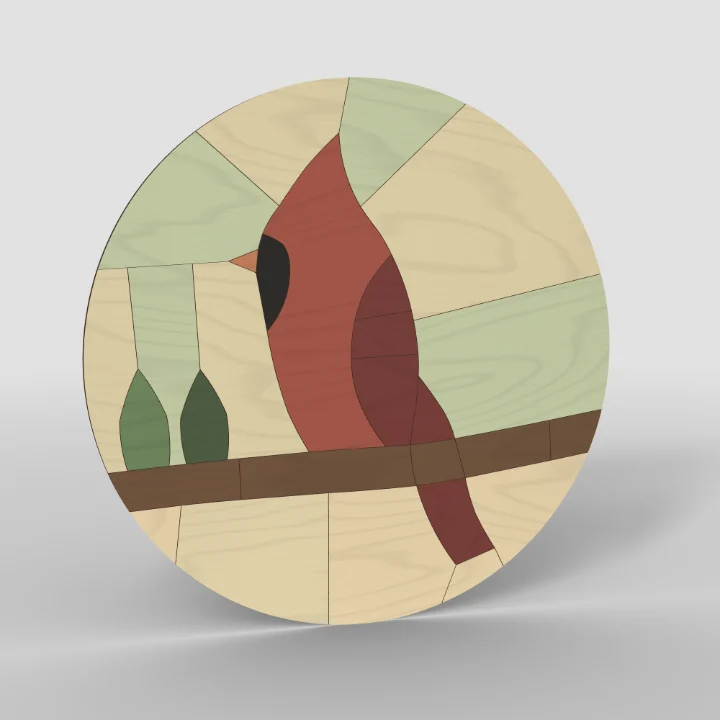
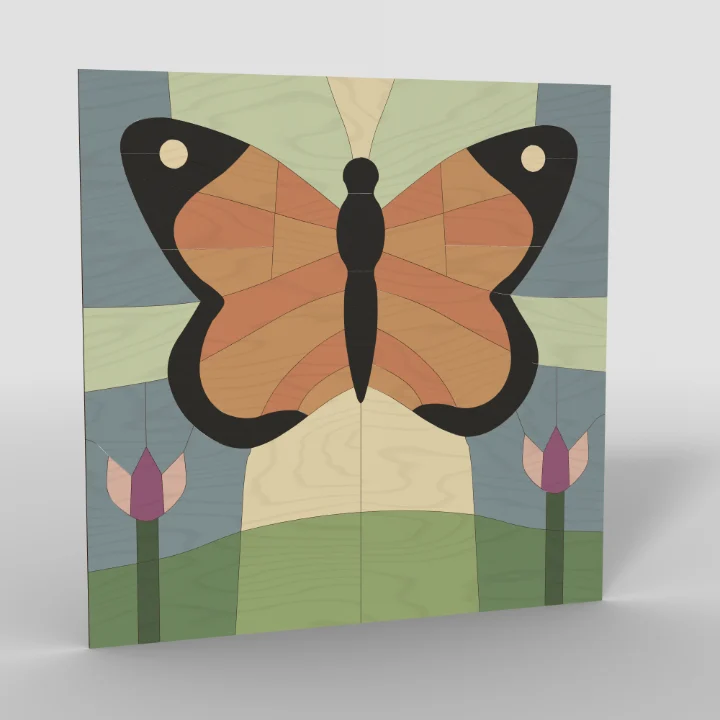
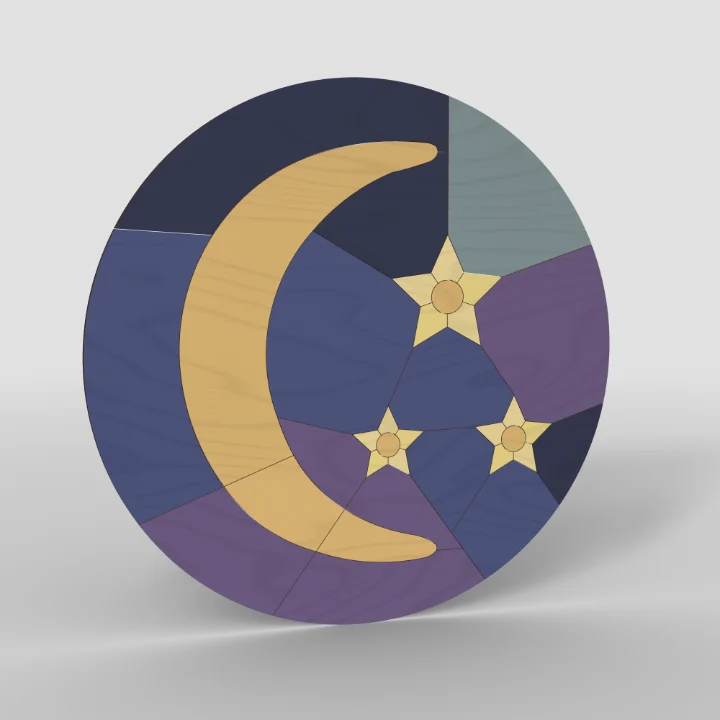
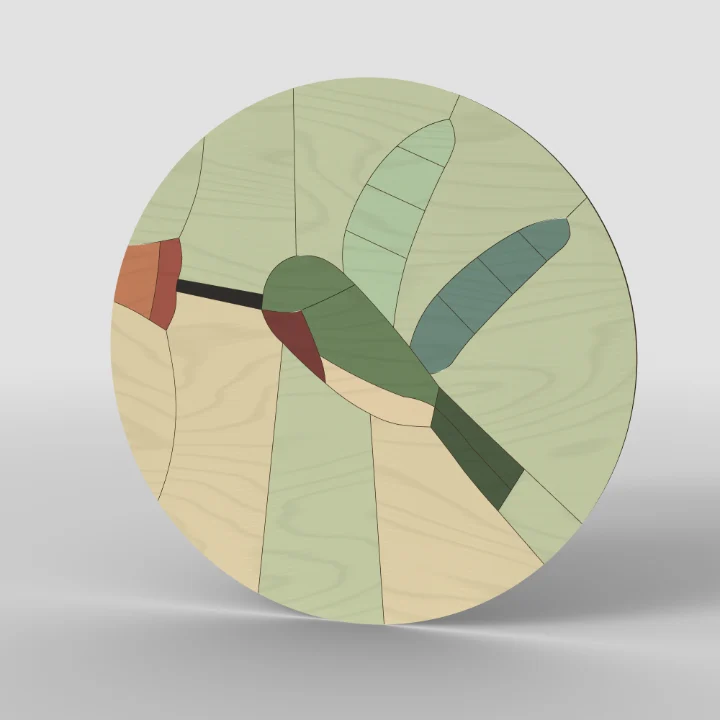







How it works
Draw the lines. Get the pieces.
- DrawWith the Pen, the Brush, shapes or Text, at the size it will be. A line across a piece cuts it in two.
- ColorFill each piece from the colors your material comes in, or pour a gradient across them.
- CheckThe Cut check marks a corner too sharp or a strip too thin for that material, as you draw.
- MakePrint it full size, or send your laser, CNC router or blade cutter its file.

What will you make today?
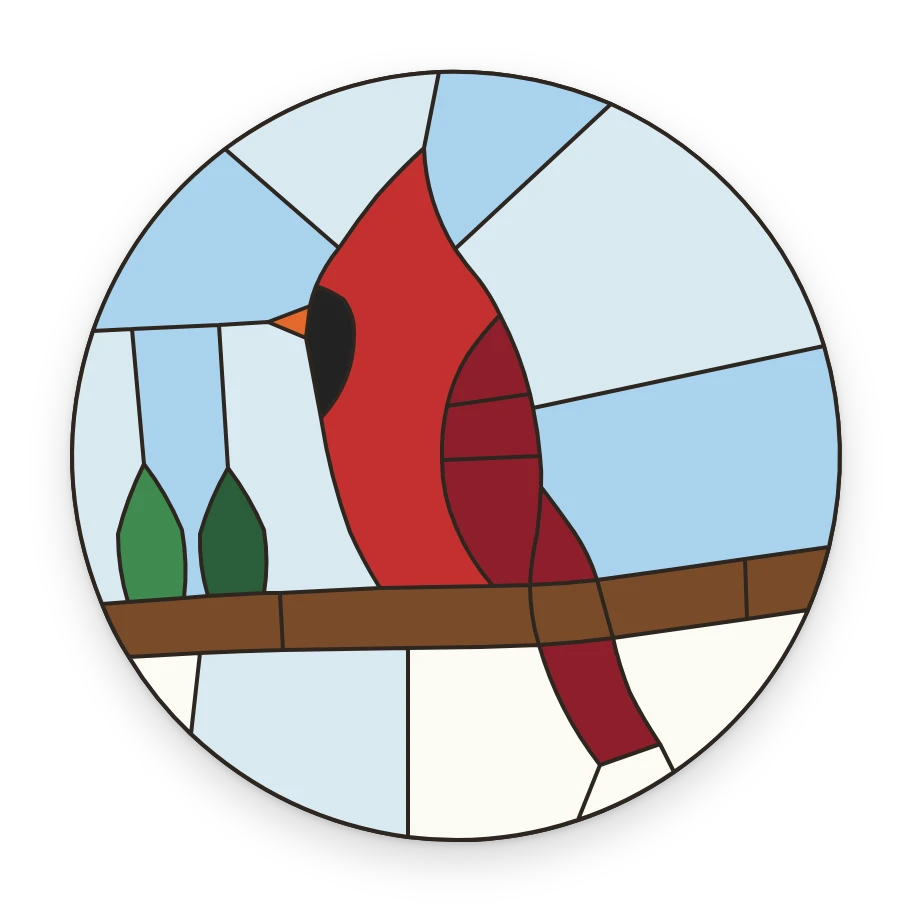
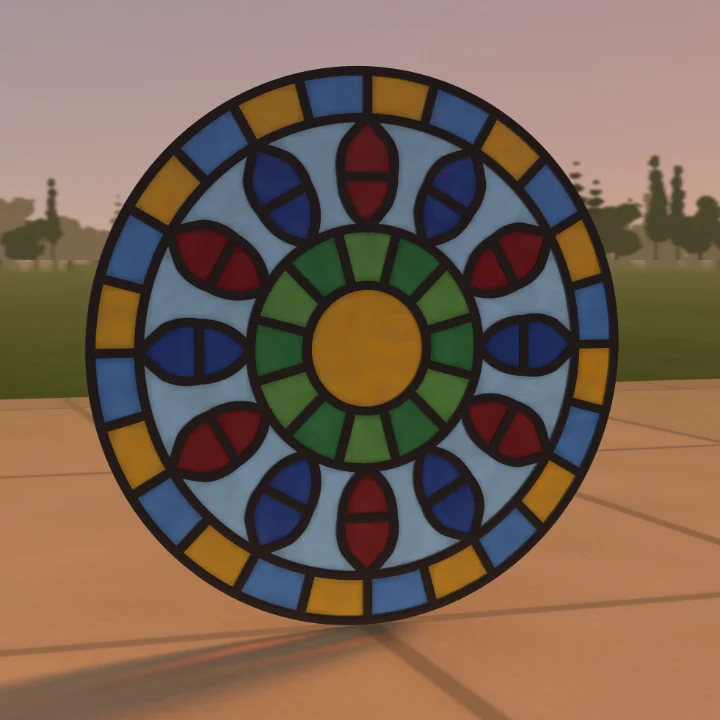
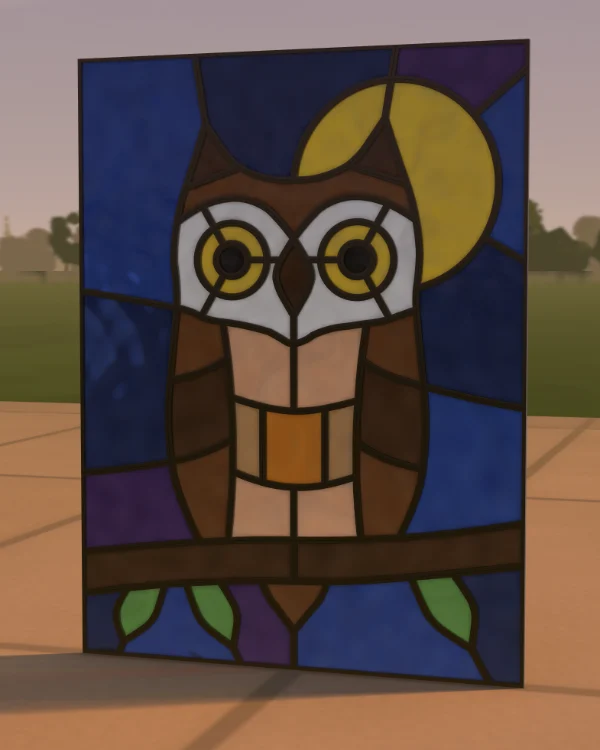
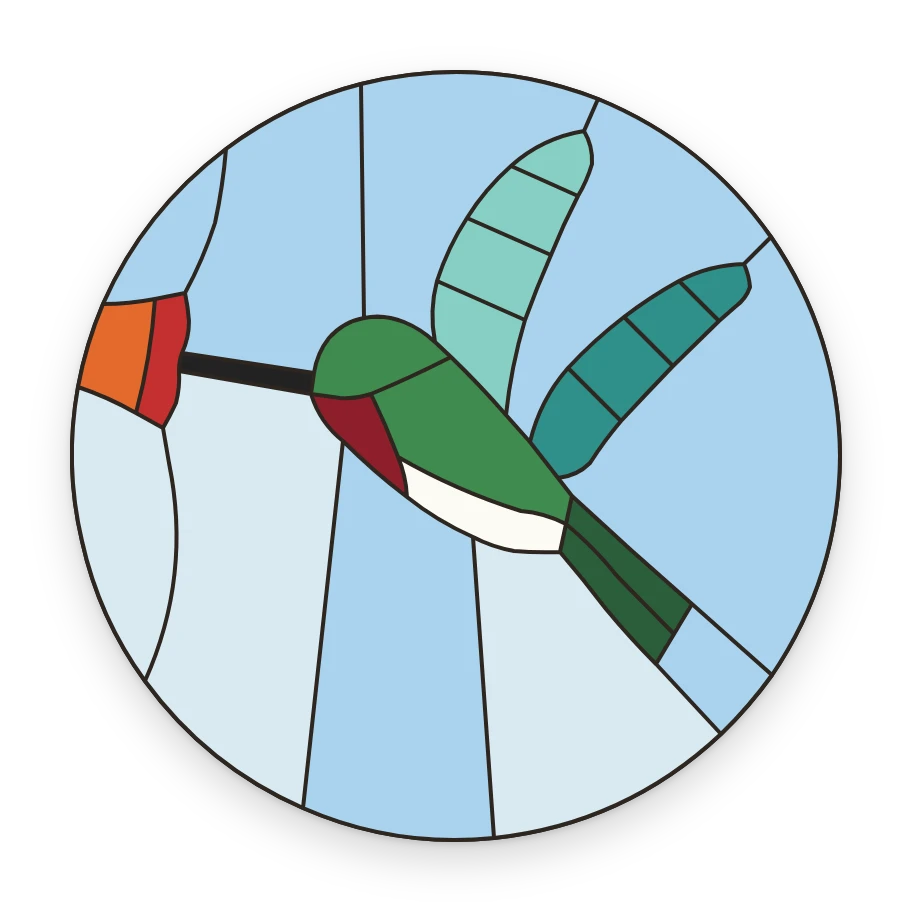
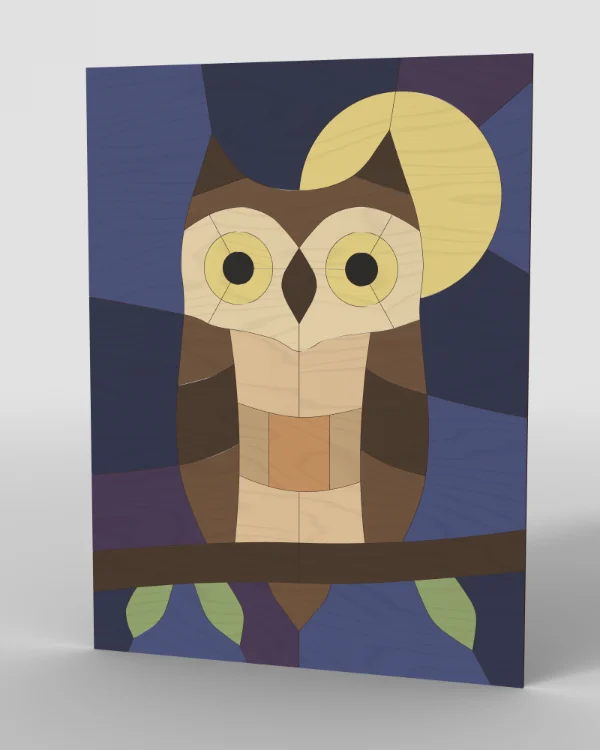
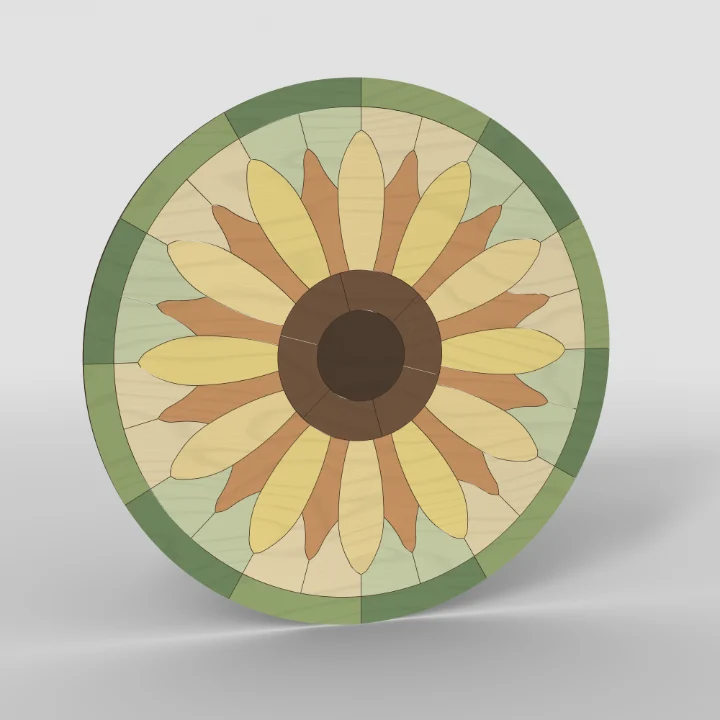
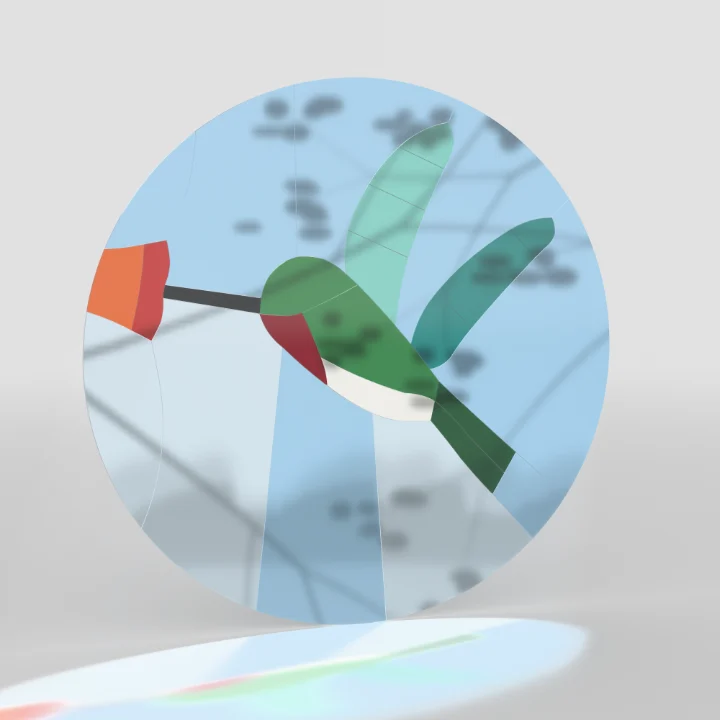
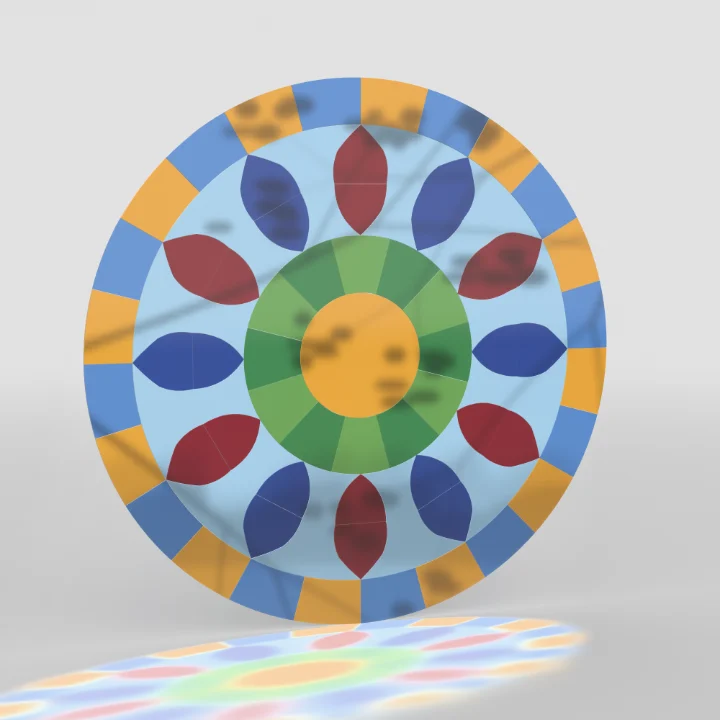
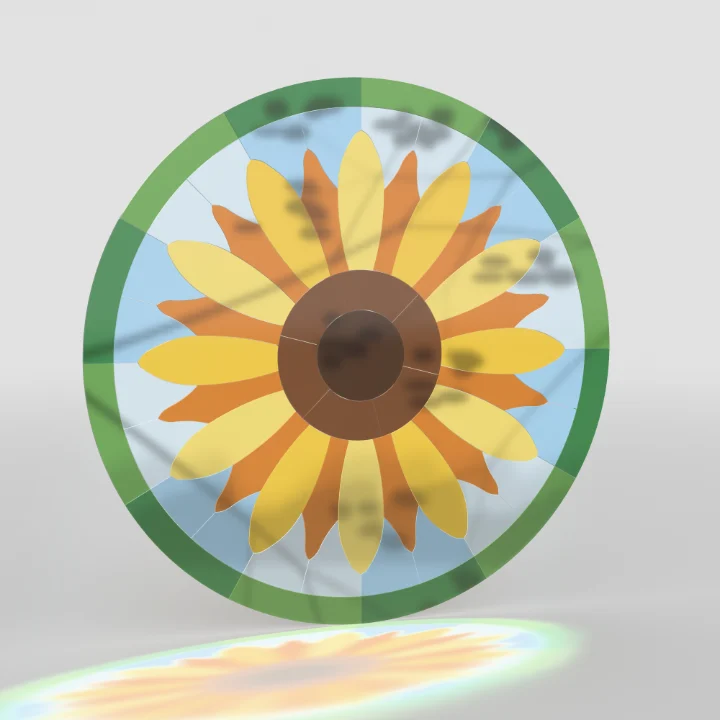
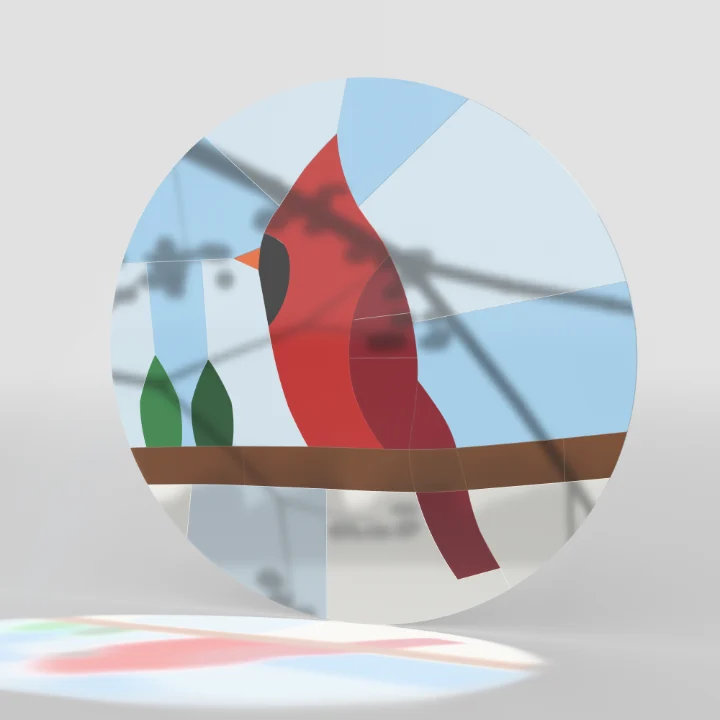
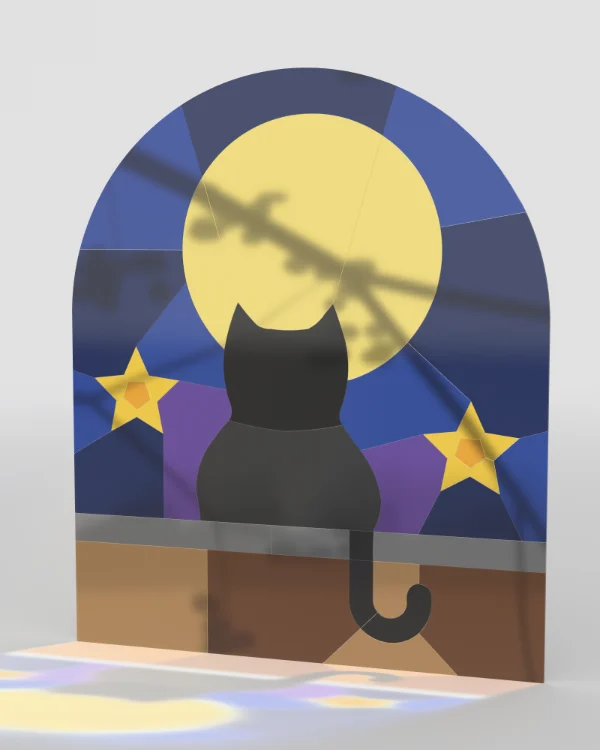
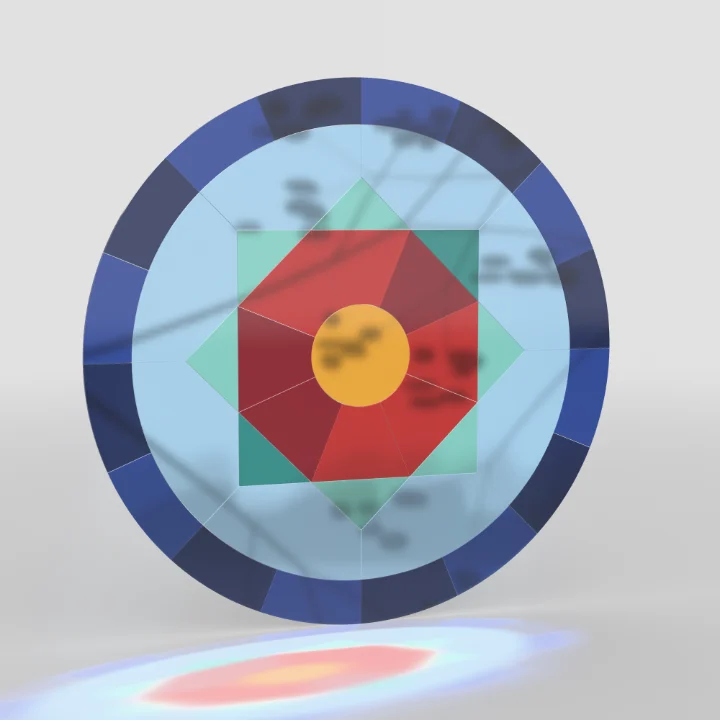
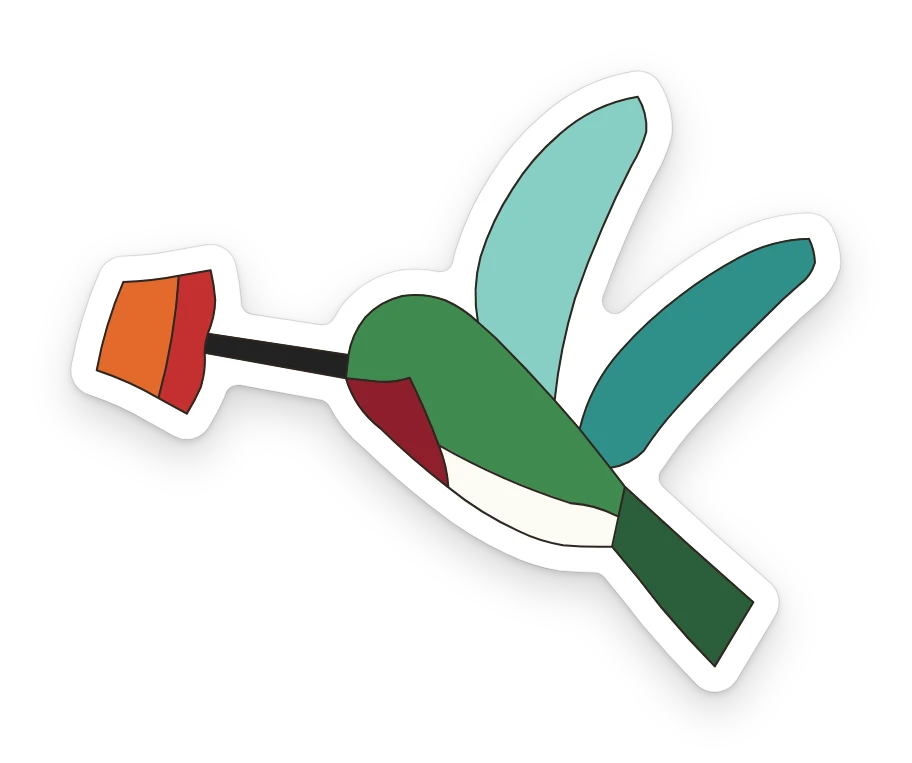
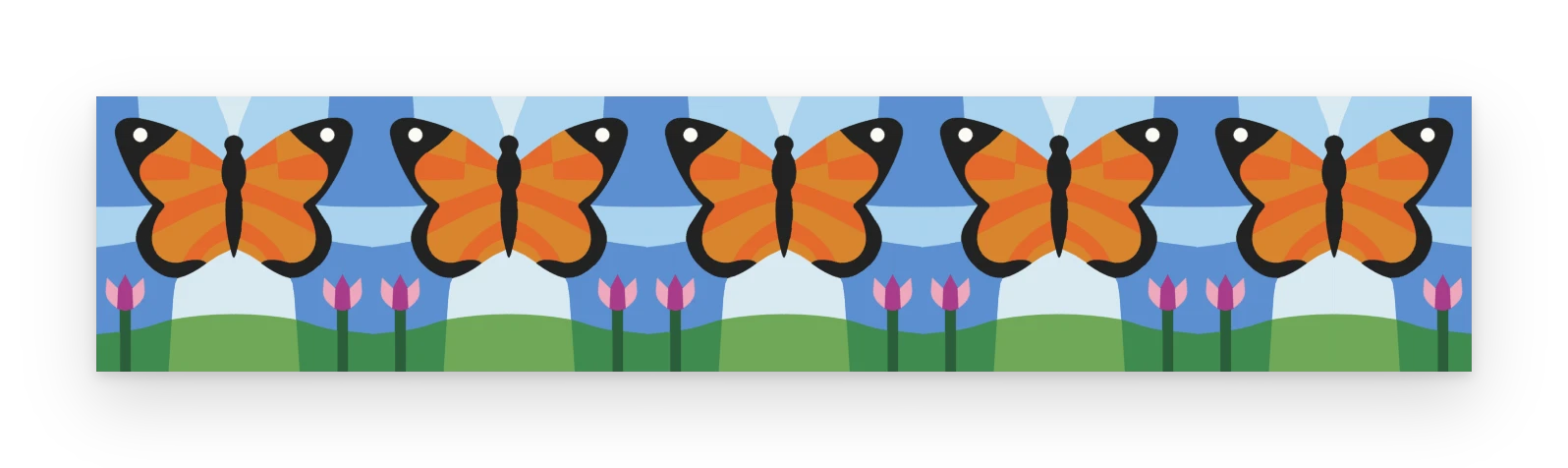
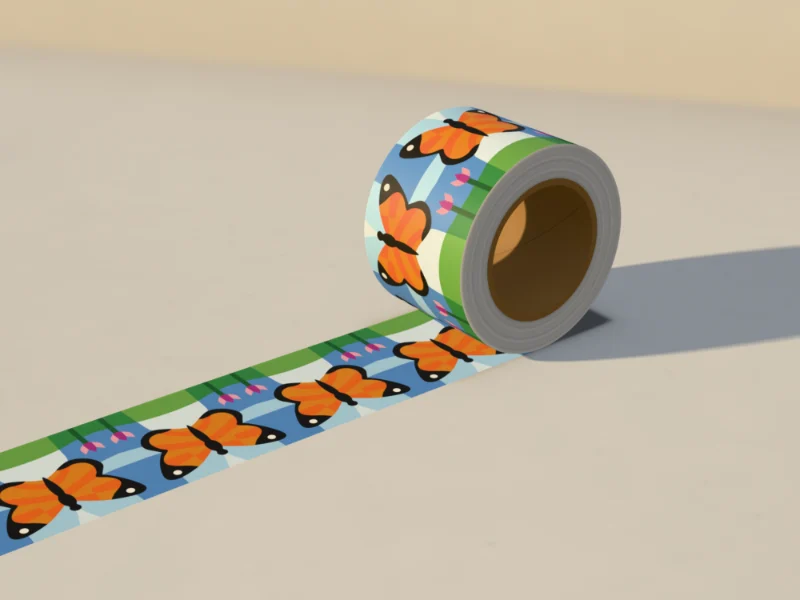
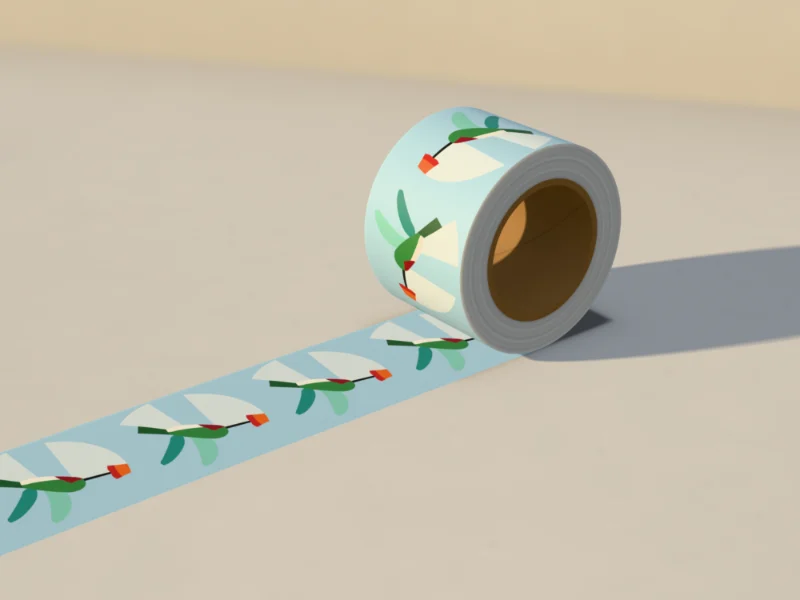
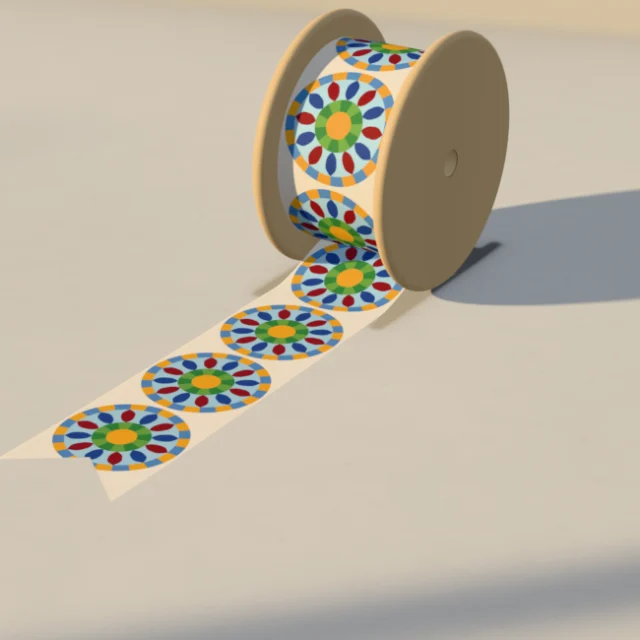
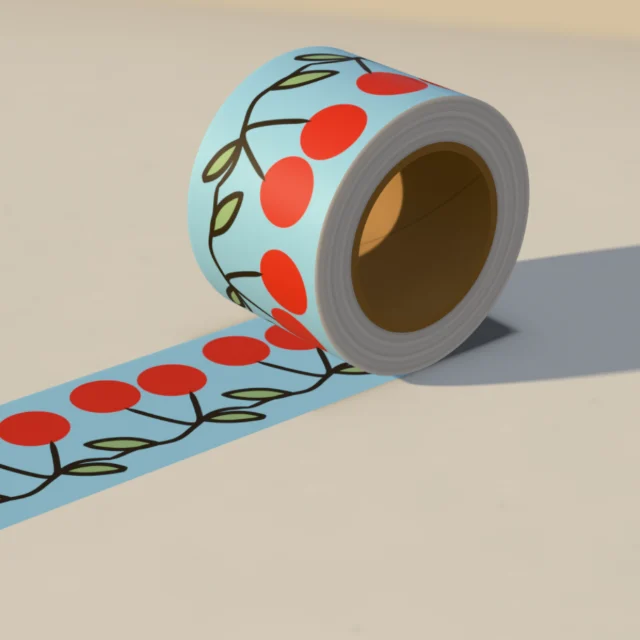
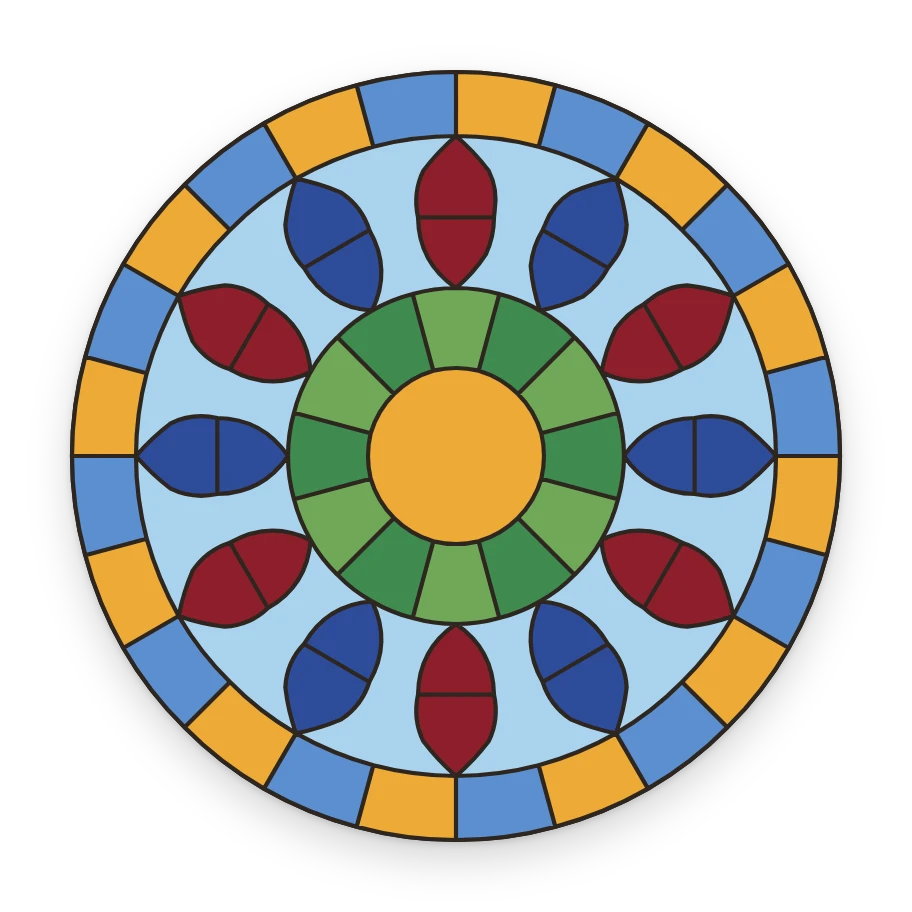
Every picture here was drawn in TraceTile. Start one of your own in the free editor.
-
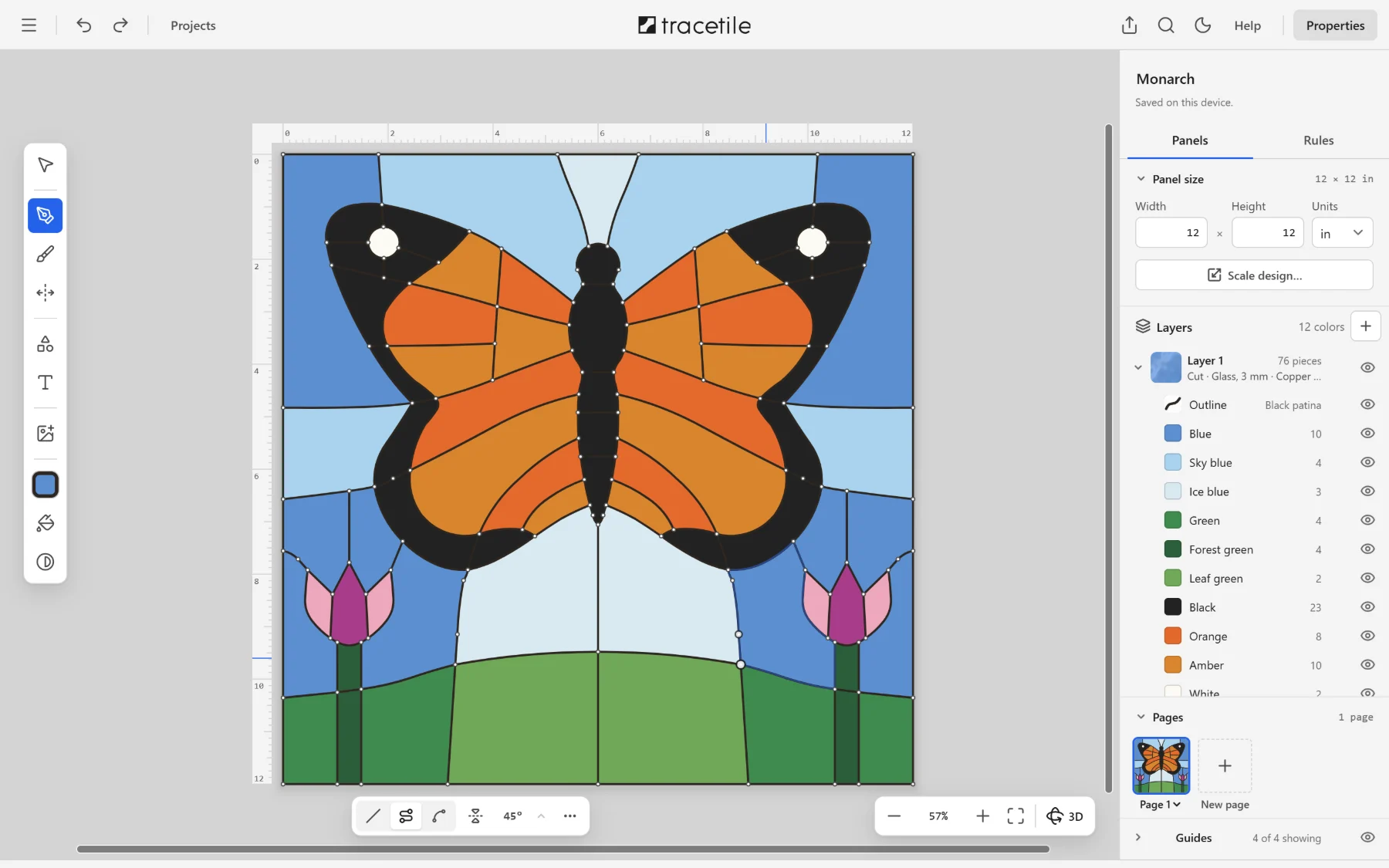
Draw at real size
The Pen, the Brush and shapes, in inches or millimeters, with rulers, a grid and snapping. A line drawn across a piece cuts it in two; lines that close become pieces. Trace over a sketch or a photo, and take each color from it.
-


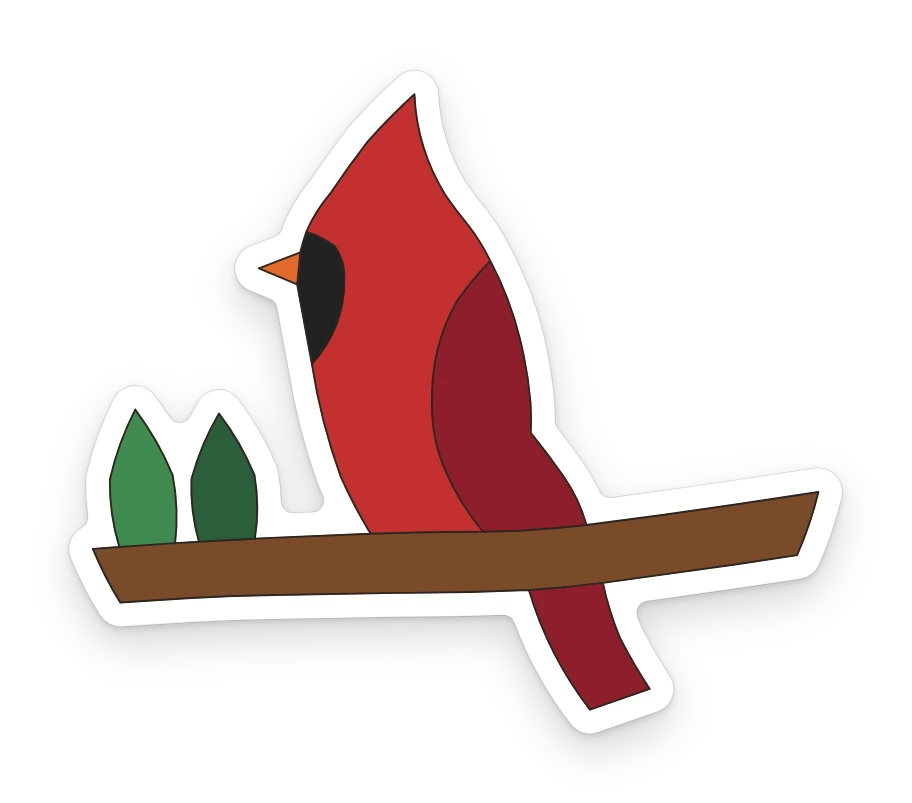
A border to cut round
Offset grows any outline out or in: a sticker's white border, a backer plate behind a sign, the outline of a headline.
-

Letters you can cut
Type in TraceTile's own font and each letter comes in as pieces, its holes given back. Typed again where it lies, in its colors.
-
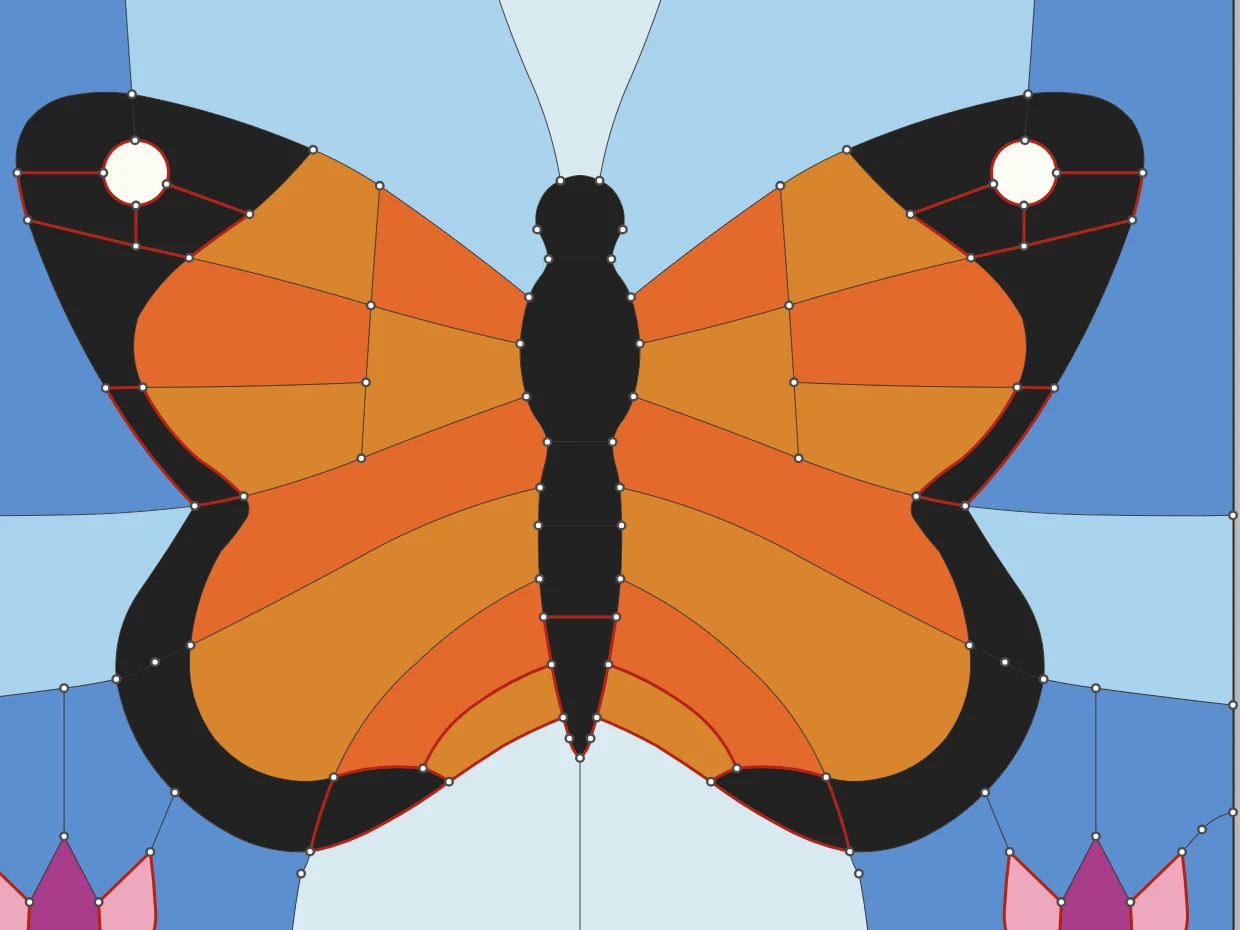
The Cut check
What your material can't cut is marked as you draw, and the pointer says why in your ruler's unit, before it costs you a sheet. Change the stock and it checks again.
-
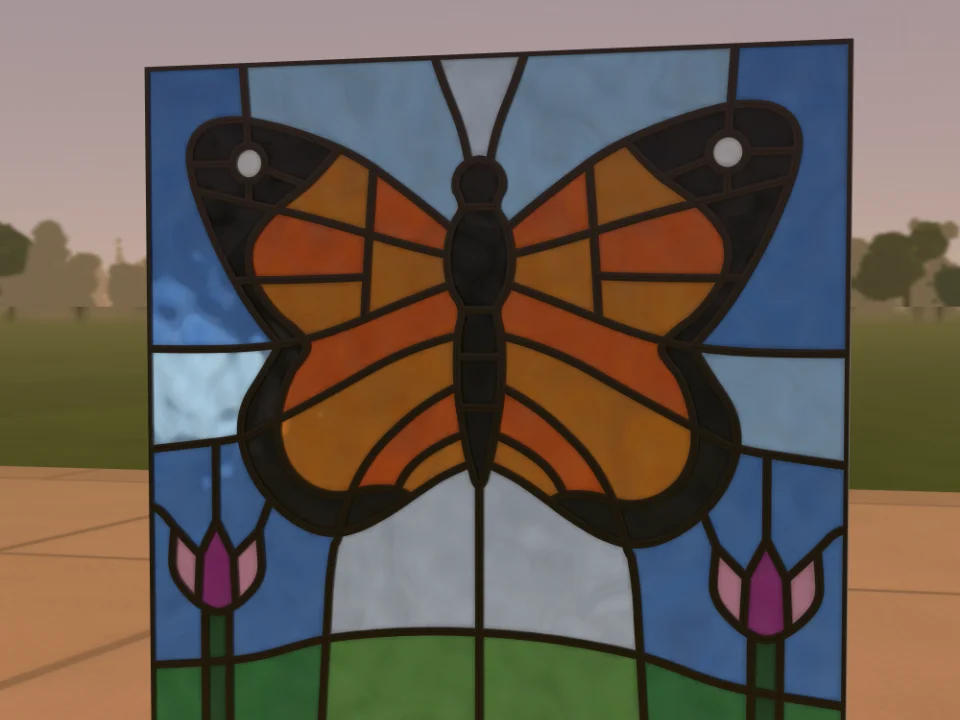
See it finished in 3D
Glass in the garden at the hour you pick, acrylic and wood on the studio stage, tape on its roll. Turn it, light it, pick each color's look.
-
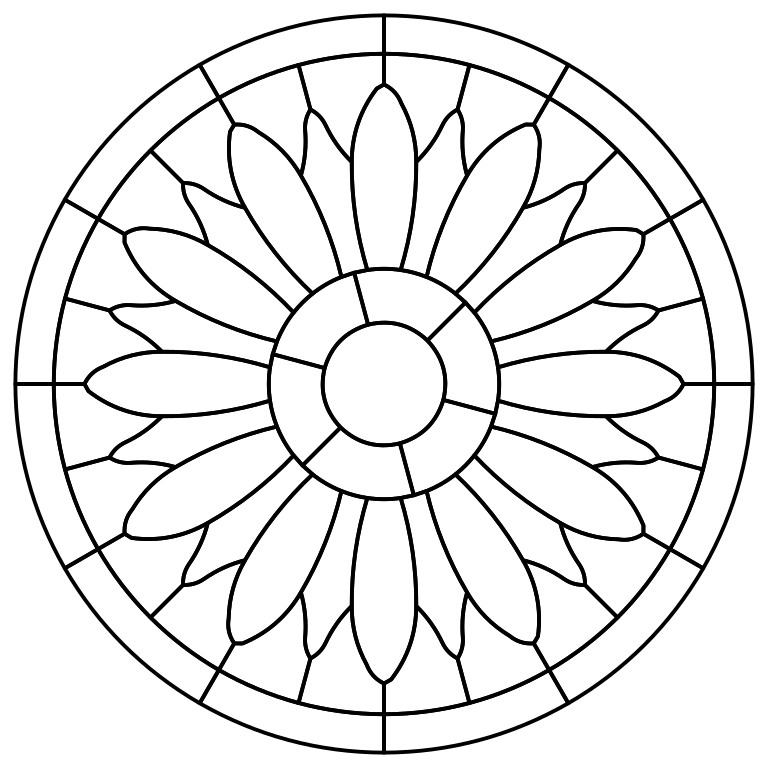
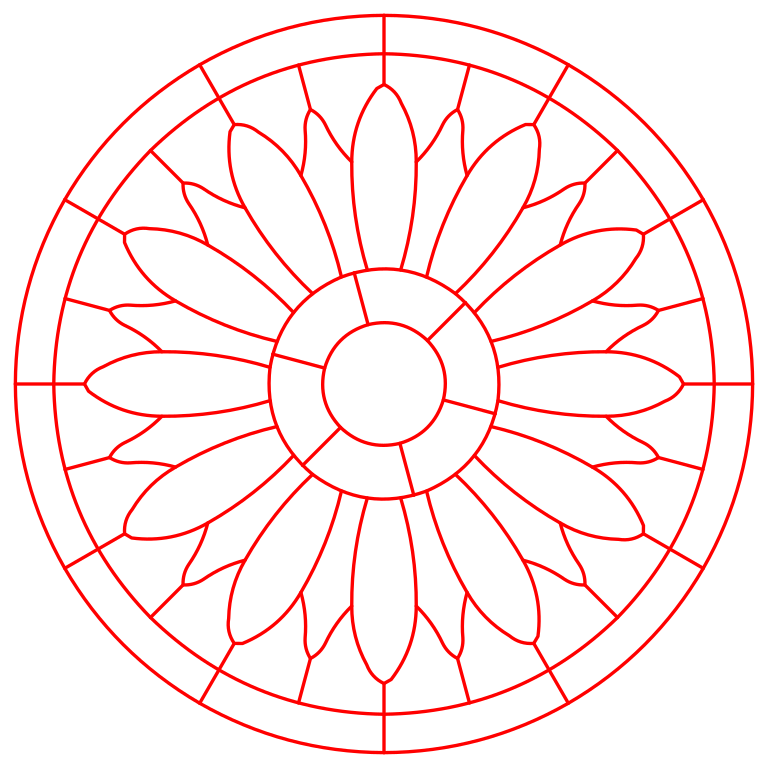
The files your tools take
One design, every file: a full-size print across Letter or A4 pages, laser lines that cut each seam once, a file for each sheet of stock with the kerf allowed for, and pictures for print and the web. Each piece its own shape, at its real size.
- Cut template
- Full-size print
- Laser cut lines
- Files per sheet
- DXF
- Graphic, SVG or PNG
- Color mockup
- Tape print files
- GIF or video

Pay once. Keep it.
No subscription, no renewals, no export credits.
Free editor
$0
No sign-up, no card, no time limit.
- Draw and trace at real size, with every tool and the Cut check
- Every material: glass, wood, acrylic, stickers, tape, ribbon and graphics
- The 3D view of what you're making
- Your projects and your own templates, saved on your device
- Open SVG and DXF drawings, and share a design with a link
Exporting needs a license, or the 7-day free trial.
TraceTile license
$12.99Regular price $19.99Launch price
One payment. Yours to keep.
- Every export: full-size prints, cut templates, laser lines, cut files per sheet, DXF, graphics, tape print files, GIF and video
- Every update we release
- Use it on 2 devices at a time
- One account for all your devices: sign in with your email and a password
- Your designs stay on your device
The free trial includes every export, with no card, so you can be sure before you buy. Refunds follow our Refund Policy. Prices in US dollars; sales tax or VAT is added at checkout where it applies.
The regular price is $19.99. Buying at the launch price gets you the same license, with every update.
Why there's no subscription
TraceTile runs on your computer or iPad, not on our servers. Your designs aren't kept in a cloud we pay for every month, so there's nothing to rent back to you. You pay once, and every update is included.
Need more devices for a studio, a makerspace or a classroom? Email us.
Questions
Pick a topic: every answer is a tap away.
The app
What is TraceTile?
A pattern editor for things you make by hand or by machine: stained glass, wood and acrylic cut on a laser or CNC router, stickers, washi tape and ribbon, and graphics for print or the web. You draw or trace a design at its real size, pick what it's made of, and export the files your tools take.
Which materials does it know?
Glass with copper foil or lead came; plywood, hardwood, MDF, acrylic, aluminum composite, metal, cardstock, leather and felt for a laser, a CNC router or a craft cutter's blade; adhesive and iron-on vinyl; sticker paper and printable sticker vinyl; washi and masking tape; satin and grosgrain ribbon. You can add a stock of your own at its thickness.
Each one sets what the Cut check holds a design to, the sizes it starts at, and how it looks in 3D.
What do I need to run it?
A computer or iPad with a current version of Chrome, Edge, Safari or Firefox. There's nothing to install.
It works with a mouse, trackpad, finger or Apple Pencil. For detailed tracing, a mouse or trackpad is the most precise.
Can I trace a photo or a drawing?
Yes, by hand. Add a sketch, a coloring page or a photo and draw your lines over it; a photo taken at an angle can be squared up by its four corners. Each piece can take its color from the picture underneath. You choose where every line goes, so every piece is one you can actually cut.
Can an AI assistant make a design for me?
Yes. Ask it to read tracetile.app/llms.txt first, whether it writes the design or draws it in the editor. A design written in TraceTile's recipe language comes as a link that opens in the editor at real size, with the lead added so every piece can be cut. One drawn in the editor is made with the tools you use and checked the same way, and comes as a link too. Change what you like, then export it as you would any design.
Where are my designs saved?
On your device, in your browser's storage, saved automatically as you work. We never receive them.
Clearing your browser's data for this site deletes them, so use File, then Save a copy, to keep a .tracetile backup of anything you care about.
Files and printing
Which files can I export?
For cutting: a cut template (SVG), a full-size print (PDF, the pattern at its real size across numbered Letter or A4 pages), laser cut lines (SVG, every seam drawn once so nothing is cut twice), cut files per sheet (SVG, a file for each stock with the kerf allowed for) and DXF for CAD, CNC and waterjet.
For print and the web: a graphic (SVG, each color one shape), a graphic picture (PNG at 300 dpi), a color mockup, tape print files for a tape or ribbon printer, and your pages played as a GIF or video. Every file is sized in inches or millimeters, and each piece is its own shape with the points you drew.
Will my printed pattern be the right size?
The files carry the design's real dimensions. Print at 100% with "fit to page" turned off, then measure one known line before you cut. A design bigger than your paper prints as a full-size print: numbered Letter or A4 pages that overlap, with marks to line them up, and a first page with a square to measure, so you know the printer kept the scale.
Can I sell what I make?
Yes. Designs you draw in TraceTile are entirely yours: sell what you make from them, or the patterns themselves.
Trying it free
What can I do for free?
Everything except exporting: draw, trace, color, check and see it in 3D, and keep your own templates, for as long as you like. There's no sign-up, no time limit and no card.
To try exporting too, start the 7-day free trial.
How does the free trial work?
Create a free account and every export is unlocked for 7 days, on up to 2 devices. There's no card and nothing to cancel. When the trial ends, exporting stops until you buy. Your designs, and the files you exported, stay yours.
Start it from any export in the app (Share, or the menu's Export), or start it here.
Do I keep my designs when I buy?
Yes. They're already saved on your device. Buy in the same browser, sign in if you haven't for the trial, and export them.
License and devices
What does paying once include?
The full app, every export for every material, and every update we release. There's no subscription and nothing renews.
How many devices can I use?
2 at a time. Sign in on as many as you like: open TraceTile on a new one and your license moves there.
For a studio or a classroom, email us about more devices.
Why do I need to sign in?
Only to confirm your free trial or your purchase. You sign in with your email and a password. Your account holds your license, not your designs.
Do I need an internet connection?
Yes, to sign in and export. Drawing and saving work offline, and your designs are never sent to us.
Payment and refunds
How much does it cost?
$12.99, paid once. That's the launch price; the regular price is $19.99. A license bought at the launch price is the same license, with every update.
Is it a subscription?
No. You pay once and you're never charged again.
How do I pay?
Checkout is run by Paddle, our reseller and merchant of record. You can pay by card, and by PayPal, Apple Pay or Google Pay where they're available. Paddle adds sales tax or VAT where it applies and emails your receipt.
What's your refund policy?
Try it first: the editor is free, and the 7-day free trial includes every export, so you can be sure before you buy. Paddle, our merchant of record, handles refunds under its Refund Policy; ours has the details.
Privacy
Do you see my designs or photos?
No. Your designs, photos and traces are processed and stored on your device and are never uploaded to us.
What do you collect?
Your name and email, your purchase or trial, the devices signed in to your license, and anonymous counts of how the app is used. Never your designs or photos, and no ads or cookies. The Privacy Policy has the details.
Something else? Email support@tracetile.app and we'll get back to you.
Make the next one yours.
Free to design, with nothing to install and no sign-up.